



MindmateAi™ - Your AI Note-Taking Assistant
MindmateAi™ - Your AI Note-Taking Assistant
Stop scrambling to take notes. Finally be fully present.
💡 Never miss a thing – Focus on the conversation, AI captures everything
⚡ From 2h follow-up to 5 min – Summaries + action items, automatic
🔒 Zero data breaches since 2022 – GDPR, SOC 2, HIPAA compliant
Order before 11:59 PM to get a free gift

The Meeting-Free Mind Ebook
How to Save 11+ Hours a Week
Couldn't load pickup availability
FREE shipping
100 day money back guarantee
3 year warranty + lifetime support
Easy returns
See it in action

Tech details
Tech details
🔊 One-Touch Recording – Instantly capture phone calls, meetings, or lectures
🌍 112 Languages – Understand. Transcribe. Anywhere.
🧠 AI-Power – Smart summaries with GPT-4.1, Claude & more
📄 15 Pro Templates – Perfectly prepared for work, school & everyday life
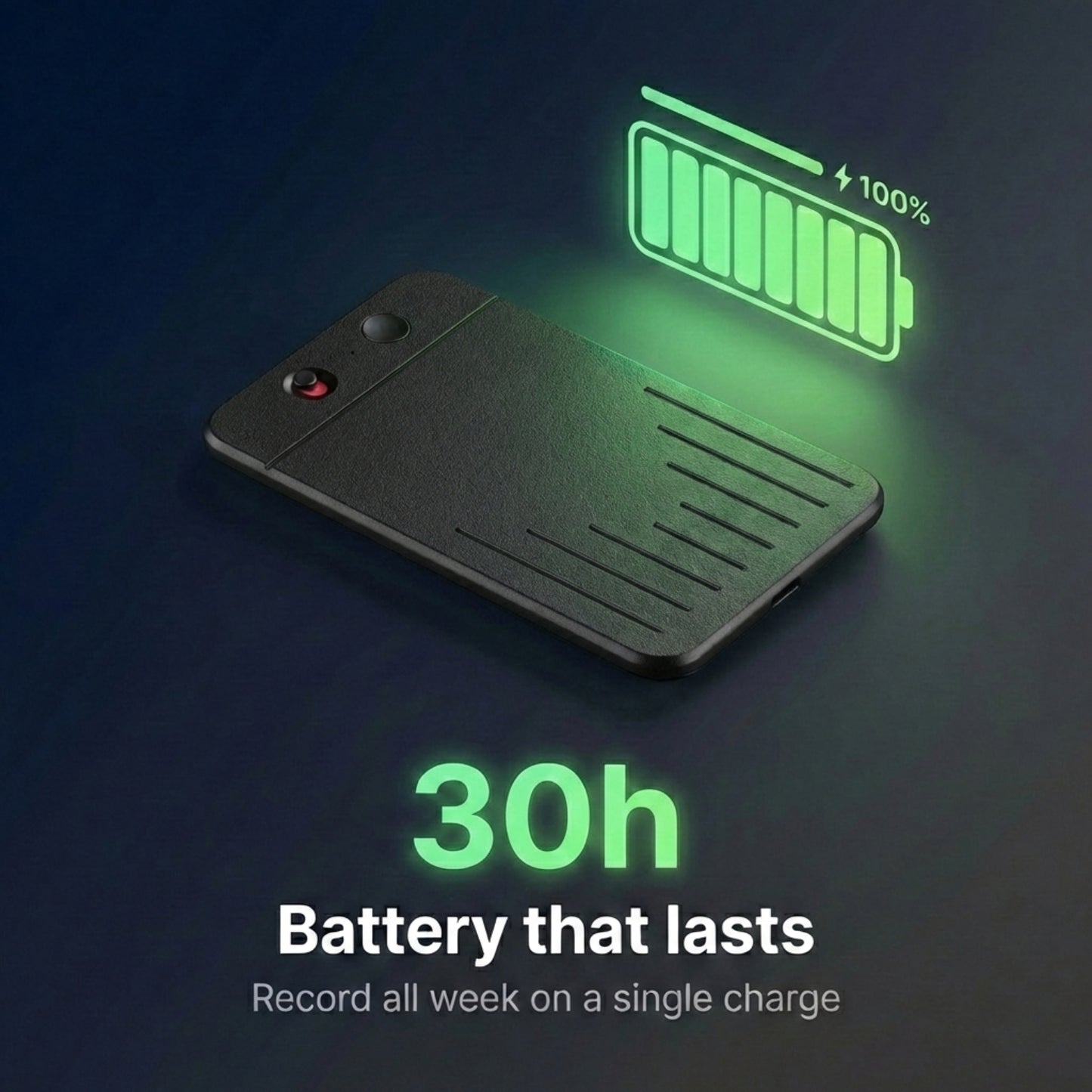
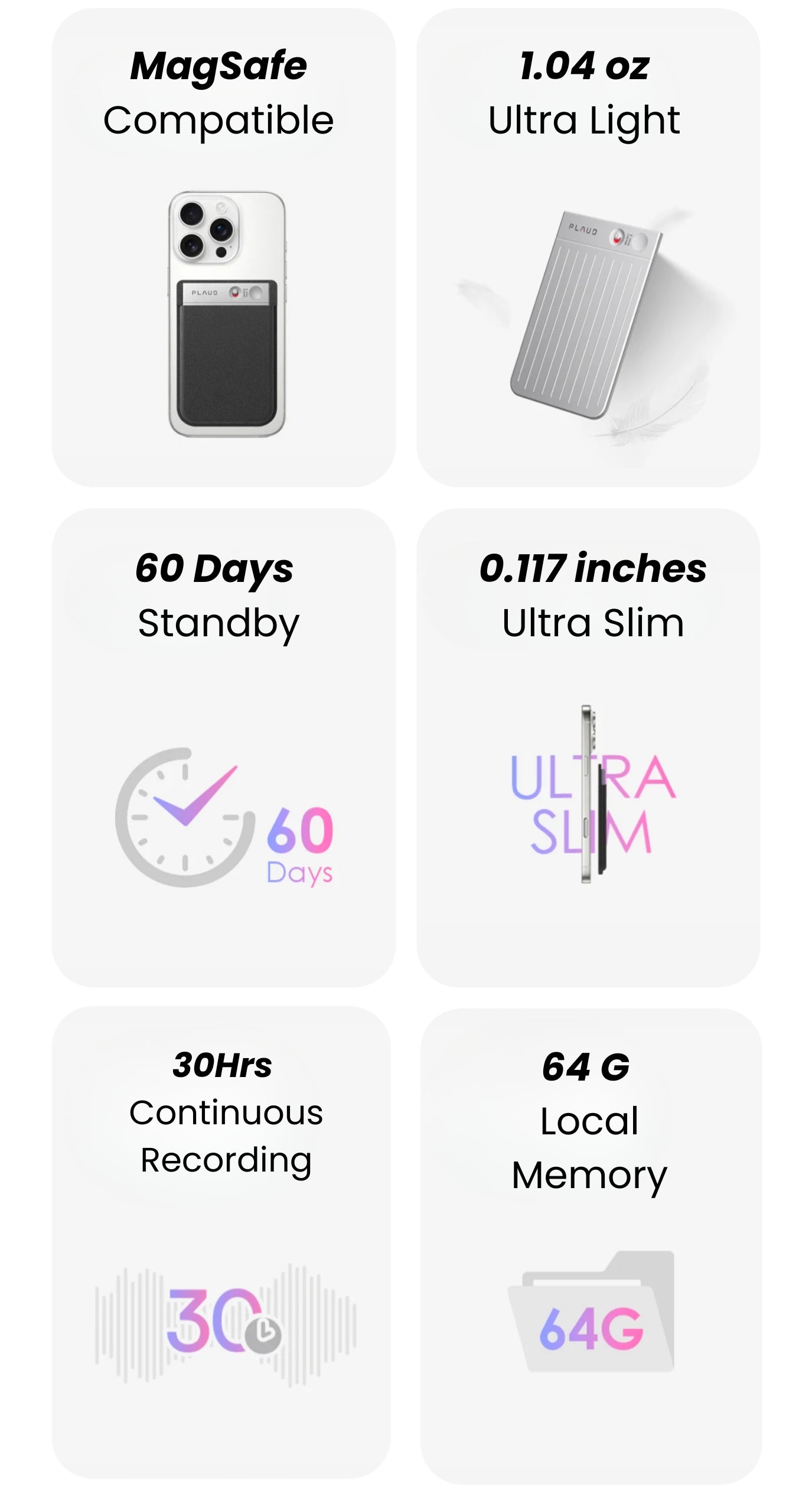
🔋 30 hrs. recording | 60 days Standby – Performance that keeps up with you
☁️ Unlimited Cloud Storage – Say goodbye to deleting files
🔒 Data security - Built to the highest standards with ISO 27001, ISO 27701, GDPR, SOC II, HIPAA, and EN 18031 compliant.
📏 Dimensions: 8.56 × 5.41 × 0.30 cm / 3.37*2.13*0.12 inch
⚖️ Weight: Only 29.5 g / 1.06 oz
🎙️ Microphones: 2x MEMS + 1x VCS for clear recordings
🔌 Charging time: approx. 2 hours
🔋 Battery: 400 mAh – up to 30 hours of recording
🔗 Connectivity: BLE, Wi-Fi, or cable
💾 Storage: 64 GB internal memory
📡 Range: Effective recording up to 5 meters
Shipping & Returns
Shipping & Returns
We offer free shipping for all orders. Packaging is plain and discreet!
Order processing takes 1-2 business days before shipment. Once we dispatch your item/s, we will provide you with the estimated delivery time.
- USA: 3-6 business days
- UK: 6-9 business days
- Australia: 7-10 business days
- Canada: 7-10 business days
- Europe: 7-10 business days
- Rest of world: 12-16 business days
We love our MindmateAi™ and we're confident you will too! If things don't go as planned, we have designed our return and refund policy to make things easy for you.
In the box
In the box
MindmateAi
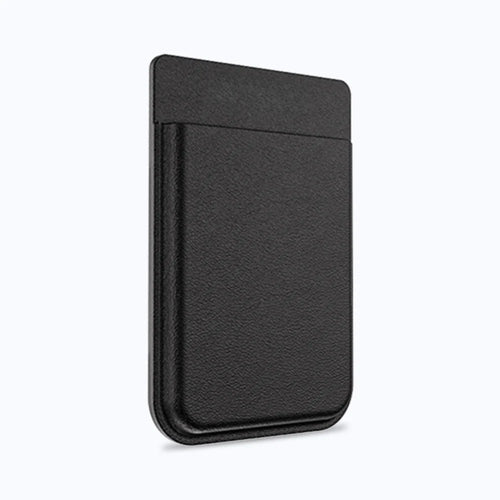
Magnetic case to record phone calls
Magnetic ring to attach the case to the phone
Charging cable
3 Year warranty
Quick & Easy Setup
Quick & Easy Setup
Ready to use right out of the box. Just power it on, connect with your smartphone via our app, and you’re good to go – no complicated installation required.
No subscription required
No subscription required
Works out of the box. Pay once for the device; core features included (record, AI summaries, to-dos, exports).
- Monthly minutes included: 700 minutes/month free for recordings & AI processing.
Need more? Upgrade anytime:
- Premium: 1,800 min/month — $7.99/mo
- Unlimited: unlimited minutes/month — $19.99/mo
Flexible & transparent: cancel anytime, no hidden fees.
Privacy first: your data stays under your control; over-the-air updates keep improving your device.
Good to know: Updates are delivered over the air, and your data stays under your control.

MindmateAi™ - Your AI Note-Taking Assistant




More focus, less stress
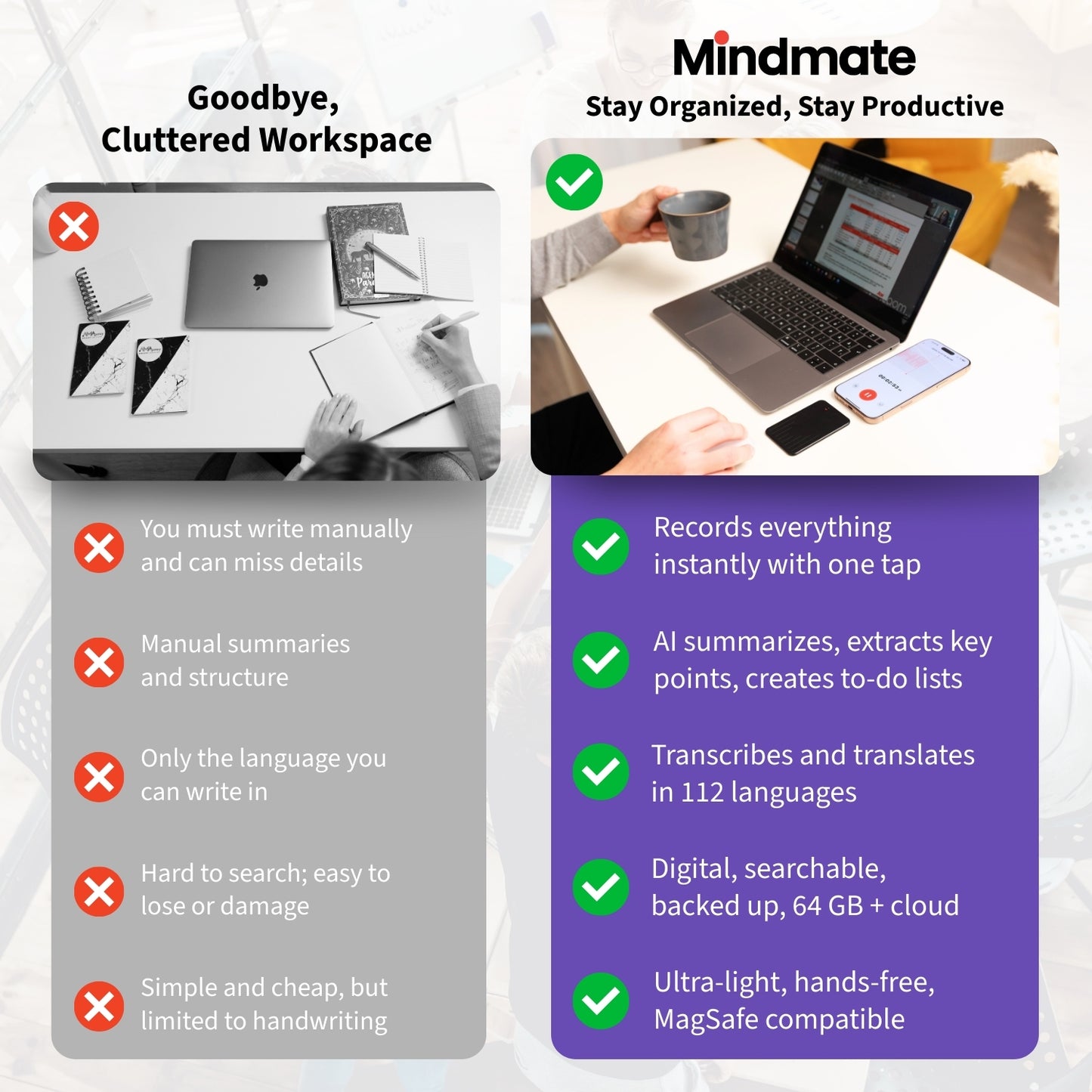
Never choose between listening and taking notes again.
💡 Be fully present – Focus on the conversation, AI documents everything
⚡ Get your time back – Save 12h/week on meeting notes
🎯 Never miss a thing – Perfect summaries + action items, every time
Your smart AI assistant for peak productivity

Lead the meeting—MindMate takes the notes
Be the strategist, not the note-taker. While others are typing, you're leading the conversation. Action items, deadlines, responsibilities – all documented automatically.
- 11.4h/week – Average time saved
- 94% – "Meeting quality improved"

Learn instead of taking notes
From a 2.7 to a 1.4 GPA. Students report: since they UNDERSTAND instead of TYPE, their grades improved by an average of 0.9 points. The AI creates summaries + mind maps for studying.
✓ 112 languages – Perfect for study abroad
✓ Offline mode – Works in any lecture hall
✓ PDF export – Straight to your study notes
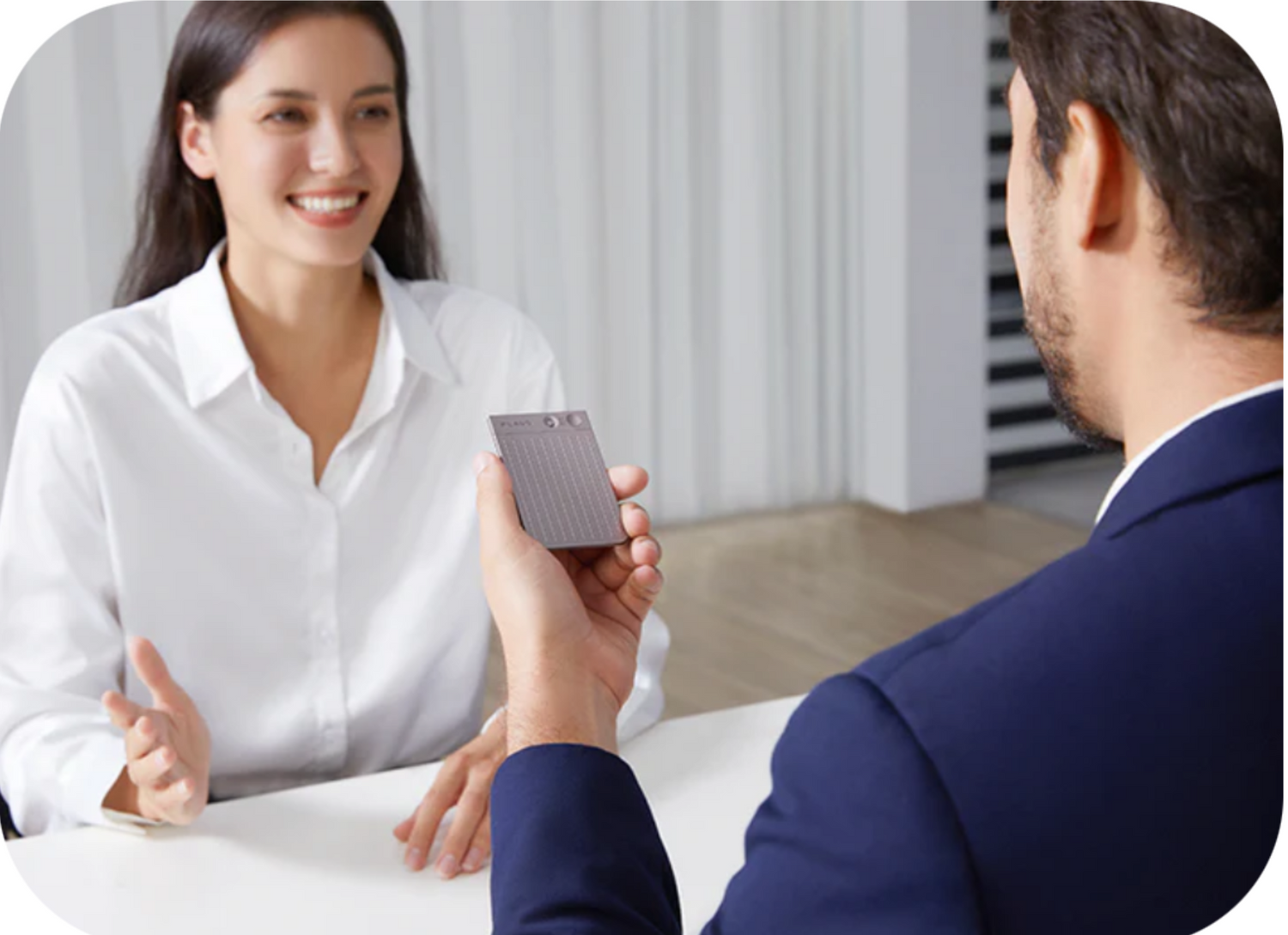
Eye contact, not note-taking
Run interviews like a pro. Journalists, researchers, HR – anyone who conducts interviews knows the problem: taking notes = losing eye contact. MindMate transcribes while you REALLY listen.

Forget tedious note-taking
Capture every customer request. Zero effort. Just attach MindMate to your phone. Every call is automatically recorded + transcribed. Perfect for customer support, sales calls, account managers.

Speak your thoughts, captured forever
Your second brain. Ideas while walking? Just record. To-dos while driving? Just dictate. MindMate organizes everything automatically and makes it searchable.
Over 55,000 people have already made the switch!
over 94% of them wholeheartedly recommending MindMateAi™

96%
said they could focus more in meetings and lectures with MindMate
92%
said they saved 7–12+ hours per week on notes and follow-ups
90%
said the AI summaries were easier to share than manual notes
87%
said follow-ups were clearer (owners, deadlines, next steps)
*Result from over 55,000 online surveys.
Engineered for focus. Built for flow.
Your data stays yours. Period.
No big tech clouds, no data brokers, no fine print.
Your notes belong to YOU – and only you.
Compliant
Type II
Compliant
27001
US & EU Servers
Your data stays on secure infrastructure. No unauthorized transfers, no foreign government access. Servers in Virginia and Frankfurt.
End-to-end encrypted
No one but you can read your recordings – not even us. AES-256 encryption. Even if hacked: unreadable.
Compliance certified
External privacy audit passed. All processes GDPR and CCPA compliant. Documented. Audited. Certified.
You decide where it's stored
Cloud, your own server, or locally on the device. Your choice. Change anytime. No vendor lock-in.
Zero data selling. Promise.
No training AI models with your data. No selling to third parties. No tracking. Nothing. Ever.
Export anytime
Export all your data in one click. Standard formats (JSON, CSV, TXT). You're never trapped.
As seen on






Smarter than any human assistant
Not just transcription – true understanding. Our AI recognizes what's important, suggests next steps, and learns how you work.
Understands Context
Knows the difference between "postpone the meeting" and "meeting on Monday." Captures nuances, irony, and implicit to-dos.
Suggests Actions
Automatically detects to-dos, deadlines, and owners. Suggests: "Send Sarah the report by Friday?"
Speaks 112 Languages
Not just transcribe – translate. Spanish meeting, English summary? One click.
Gets smarter with every meeting
Learns your terminology, your projects, your team structure. After 10 meetings: personalized summaries.
Powered by the best AI models
We don't use ONE AI model – we use THE BEST ones, depending on the task. The result: highest quality.
The result:
Not convinced? Money back. Guaranteed.
Experience how effortlessly productive you can be: Test MindMate for 100 days, completely risk-free. Not satisfied? Get your money back – no questions asked. Discover how MindMate can transform your everyday life.
✔️ Over 15 smart templates for every situation
✔️ AI-powered suggestions that save you time and mental effort
✔️ Unlimited cloud storage for all your ideas
FAQs
How do I start the recording?
How do I start the recording?
To start a recording, use the record button and follow the vibration signals.
Here’s how to start a note or call recording with your device, in English:
Note Recording
- Slide the record button down to switch to note recording mode.
- Press and hold the record button for 1 second, until you feel one vibration—this means recording has started.
- To stop recording, press and hold the record button for 1 second again, until you feel two vibrations—this means recording has ended.
Call Recording
- Slide the record button up to switch to call recording mode.
- Press and hold the record button for 1 second, until you feel one vibration—this means recording has started.
- To stop recording, press and hold the record button for 1 second again, until you feel two vibrations—this means recording has ended.
The vibrations help you know when recording starts (one vibration) and ends (two vibrations).
How do I capture my phone calls with MindMate?
How do I capture my phone calls with MindMate?
Mount MindMate on your phone with the MagCase, tap Record, place/hold the phone as usual, and MindMate will capture and transcribe the call in real time. When you hang up, you’ll get a clean summary with tasks, timestamps, and export options.
How do I attach the MindMate.AI to my smartphone?
How do I attach the MindMate.AI to my smartphone?
With MagSafe: Simply magnetically dock it to the back of your iPhone—no extra accessories needed.
Without MagSafe: Remove the plastic holder from the magnetic ring and stick the ring onto the back of your smartphone. This way, you can use the MagSafe function even without a MagSafe device.
How do I transcribe my audio file?
How do I transcribe my audio file?
As soon as your recording is finished, it is automatically saved on the device.
Here’s how transcription works with MindMate.AI:
- Connect your MindMate.AI to the MindMate app.
- The audio files are automatically synchronized.
- Open the desired file, tap the icon, select template, language, and AI model—then start the transcription with one click.
How do I create a summary and a mind map?
How do I create a summary and a mind map?
Once the transcription is complete, the MindMate app automatically creates:
- a summary
- a visual mind map based on the content
Both help you better understand what was said and keep everything in view.